From Windows 11 onward, Microsoft has introduced additional security measures that require applications to be digitally signed with a security certificate to pass Windows Defender SmartScreen checks. The Collect Earth installer is not currently signed. However, this does not mean it is unsafe; it simply requires you to manually approve the installation.
To proceed with the installation:
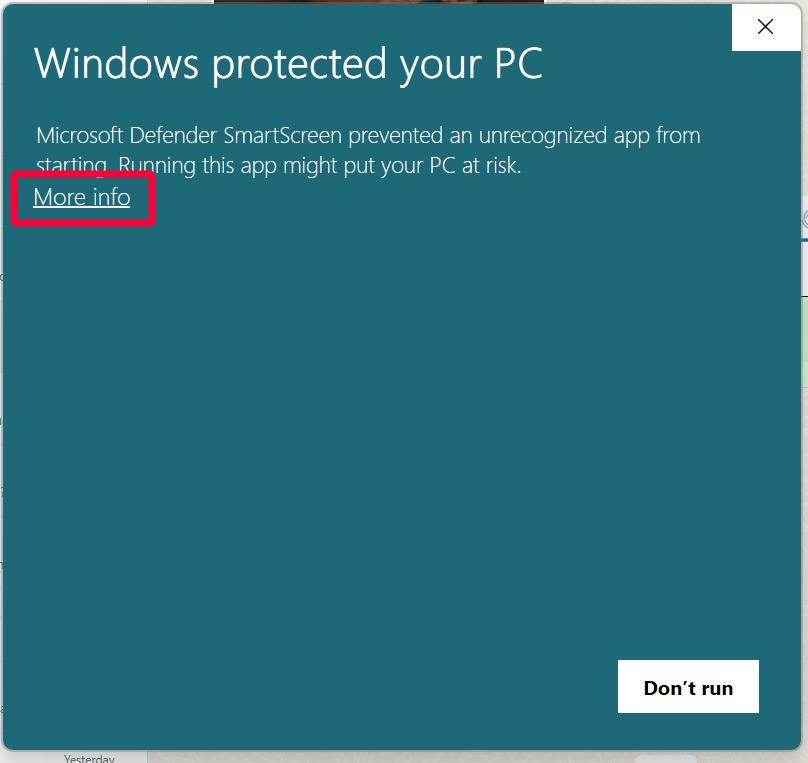
- Click "More Info": When the "Windows protected your PC" message appears, click the "More Info" link in the dialog box.
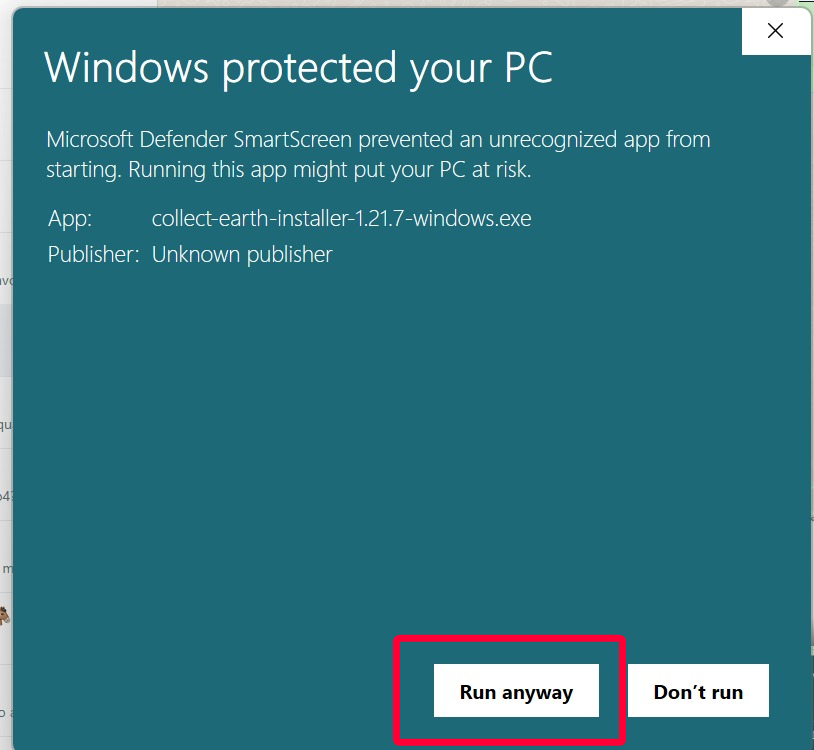
- Run the Installer: After clicking "More Info," you will see a new button labeled "Run Anyway". Click it to start the installation process.
We are actively working on signing our installers in upcoming versions to eliminate this step. Until then, please rest assured that Collect Earth is safe to use, and you can trust its installation on your computer.